Free materials library

Ready-to-use cybersecurity materials for Georgia schools.

Lesson plans with worksheets and answer keys, restroom-stall Flash-n-Flush one-pagers, family take-home sheets in English and Spanish, and Cyber Academy courses for every role. Print them, teach them, share them.

  • 8 classroom lessons
  • 18 one-pagers
  • 12 role courses
Teachers and students looking through printed handouts in a school media center

Start here

Browse

All materials 38

Classroom lesson · Teachers, Students

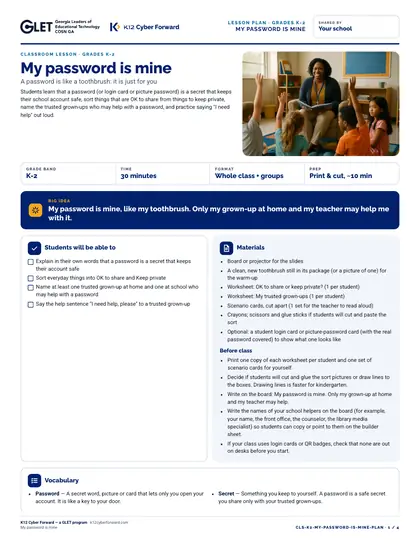
My password is mine

Students learn that a password (or login card or picture password) is a secret that keeps their school account safe, sort things that are OK to share from things to keep private, name the trusted grown-ups who may help with a password, and practice saying "I need help" out loud.
  • 30-minute lesson
  • Grades K-2
  • English · Español
  • DOCX, PDF, PPTX

Classroom lesson · Teachers, Students

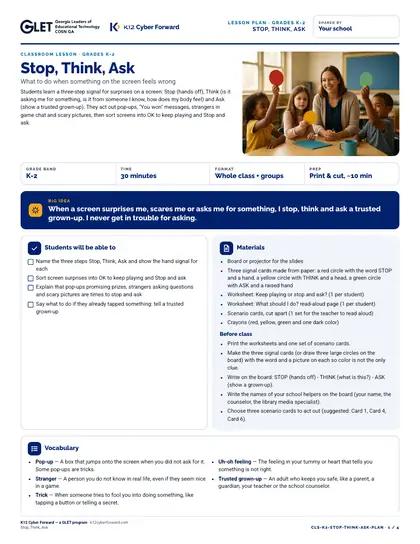
Stop, Think, Ask

Students learn a three-step signal for surprises on a screen: Stop (hands off), Think (is it asking me for something, is it from someone I know, how does my body feel) and Ask (show a trusted grown-up). They act out pop-ups, "You won" messages, strangers in game chat and scary pictures, then sort screens into OK to keep playing and Stop and ask.

  • 30-minute lesson
  • Grades K-2
  • English · Español
  • DOCX, PDF, PPTX

Classroom lesson · Teachers, Students

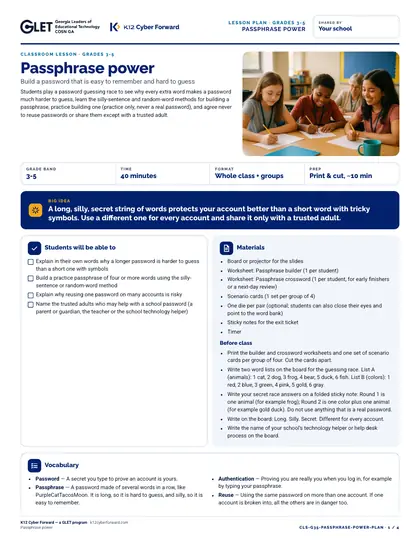
Passphrase power

Students play a password guessing race to see why every extra word makes a password much harder to guess, learn the silly-sentence and random-word methods for building a passphrase, practice building one (practice only, never a real password), and agree never to reuse passwords or share them except with a trusted adult.

  • 40-minute lesson
  • Grades 3-5
  • English · Español
  • DOCX, PDF, PPTX

Classroom lesson · Teachers, Students

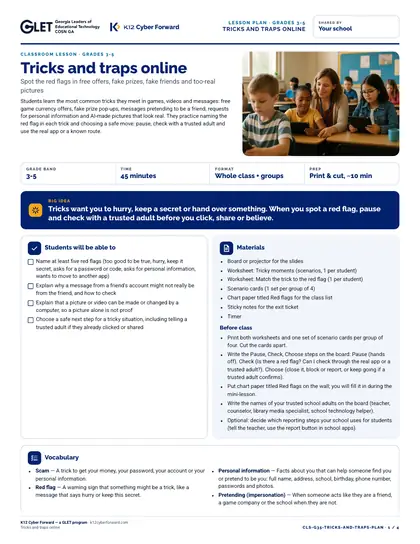
Tricks and traps online

Students learn the most common tricks they meet in games, videos and messages: free game currency offers, fake prize pop-ups, messages pretending to be a friend, requests for personal information and AI-made pictures that look real. They practice naming the red flag in each trick and choosing a safe move: pause, check with a trusted adult and use the real app or a known route.

  • 45-minute lesson
  • Grades 3-5
  • English · Español
  • DOCX, PDF, PPTX

Classroom lesson · Teachers, Students

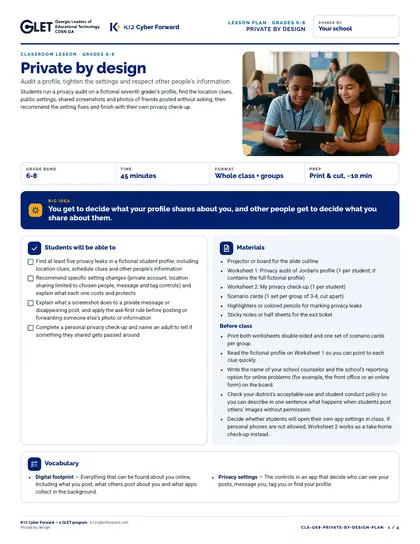
Private by design

Students run a privacy audit on a fictional seventh grader's profile, find the location clues, public settings, shared screenshots and photos of friends posted without asking, then recommend the setting fixes and finish with their own privacy check-up.

  • 45-minute lesson
  • Grades 6-8
  • English · Español
  • DOCX, PDF, PPTX

Classroom lesson · Teachers, Students

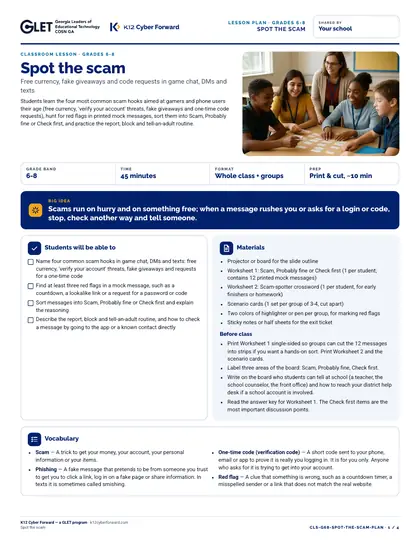
Spot the scam

Students learn the four most common scam hooks aimed at gamers and phone users their age (free currency, 'verify your account' threats, fake giveaways and one-time code requests), hunt for red flags in printed mock messages, sort them into Scam, Probably fine or Check first, and practice the report, block and tell-an-adult routine.

  • 45-minute lesson
  • Grades 6-8
  • English · Español
  • DOCX, PDF, PPTX

Classroom lesson · Teachers, Students

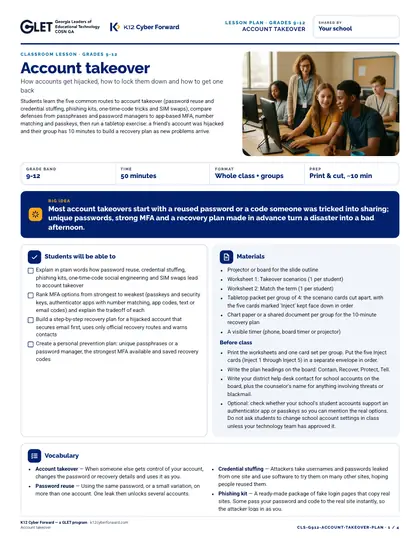
Account takeover

Students learn the five common routes to account takeover (password reuse and credential stuffing, phishing kits, one-time-code tricks and SIM swaps), compare defenses from passphrases and password managers to app-based MFA, number matching and passkeys, then run a tabletop exercise: a friend's account was hijacked and their group has 10 minutes to build a recovery plan as new problems arrive.

  • 50-minute lesson
  • Grades 9-12
  • English · Español
  • DOCX, PDF, PPTX

Classroom lesson · Teachers, Students

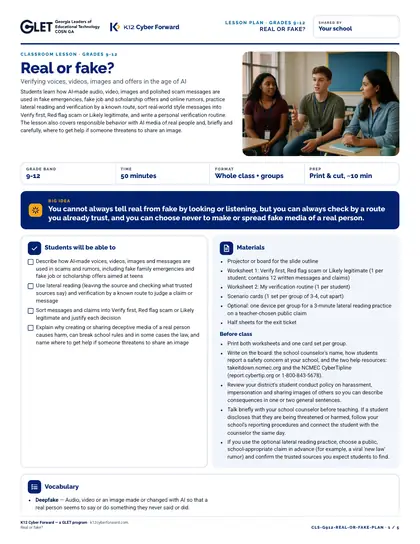
Real or fake?

Students learn how AI-made audio, video, images and polished scam messages are used in fake emergencies, fake job and scholarship offers and online rumors, practice lateral reading and verification by a known route, sort real-world style messages into Verify first, Red flag scam or Likely legitimate, and write a personal verification routine. The lesson also covers responsible behavior with AI media of real people and, briefly and carefully, where to get help if someone threatens to share an image.

  • 50-minute lesson
  • Grades 9-12
  • English · Español
  • DOCX, PDF, PPTX

Flash-n-Flush one-pager · All staff

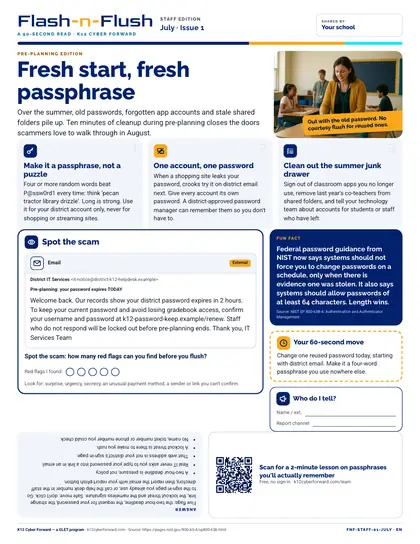
Fresh start, fresh passphrase

July staff edition for all school staff. Over the summer, old passwords, forgotten app accounts and stale shared folders pile up.

  • 90-second read
  • English
  • PDF

Flash-n-Flush one-pager · All staff

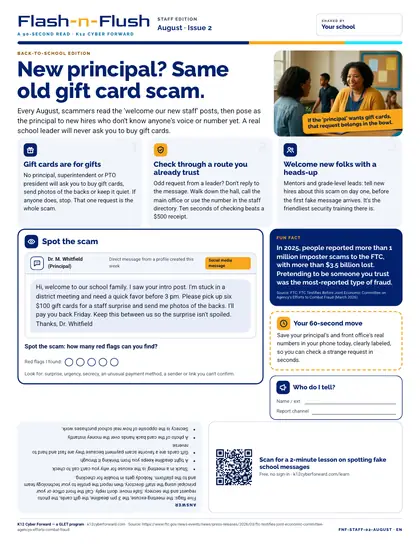
New principal? Same old gift card scam.

August staff edition for all school staff. Every August, scammers read the 'welcome our new staff' posts, then pose as the principal to new hires who don't know anyone's voice or number yet.

  • 90-second read
  • English
  • PDF

Flash-n-Flush one-pager · All staff

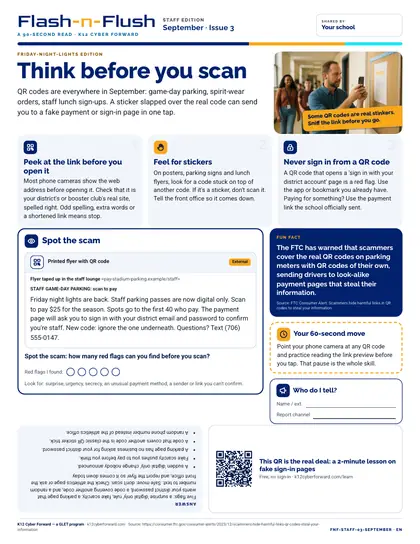
Think before you scan

September staff edition for all school staff. QR codes are everywhere in September: game-day parking, spirit-wear orders, staff lunch sign-ups.

  • 90-second read
  • English
  • PDF

Flash-n-Flush one-pager · All staff

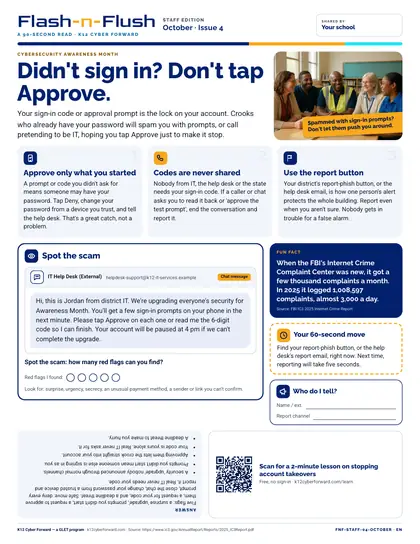
Didn't sign in? Don't tap Approve.

October staff edition for all school staff. Your sign-in code or approval prompt is the lock on your account.

  • 90-second read
  • English
  • PDF

Flash-n-Flush one-pager · All staff

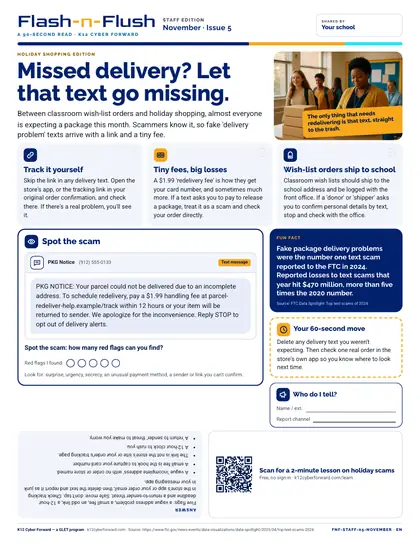
Missed delivery? Let that text go missing.

November staff edition for all school staff. Between classroom wish-list orders and holiday shopping, almost everyone is expecting a package this month.

  • 90-second read
  • English
  • PDF

Flash-n-Flush one-pager · All staff

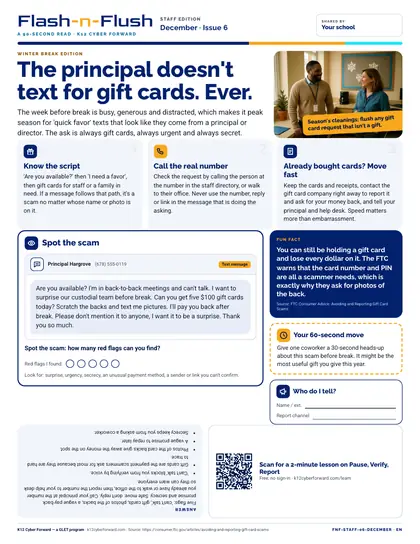
The principal doesn't text for gift cards. Ever.

December staff edition for all school staff. The week before break is busy, generous and distracted, which makes it peak season for 'quick favor' texts that look like they come from a principal or director.

  • 90-second read
  • English
  • PDF

Flash-n-Flush one-pager · All staff

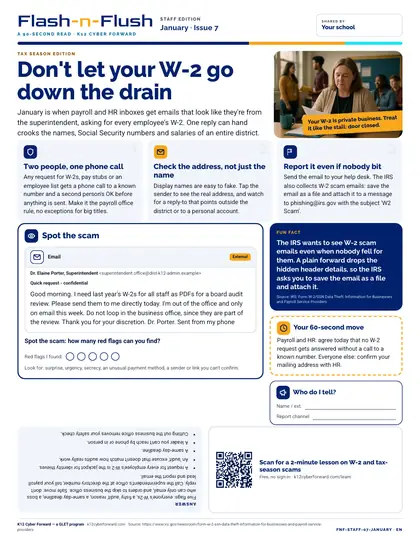
Don't let your W-2 go down the drain

January staff edition for all school staff. January is when payroll and HR inboxes get emails that look like they're from the superintendent, asking for every employee's W-2.

  • 90-second read
  • English
  • PDF

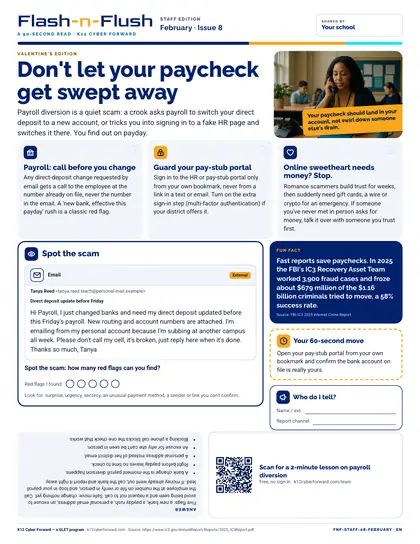
Flash-n-Flush one-pager · All staff

Don't let your paycheck get swept away

February staff edition for all school staff. Payroll diversion is a quiet scam: a crook asks payroll to switch your direct deposit to a new account, or tricks you into signing in to a fake HR page and switches it there.

  • 90-second read
  • English
  • PDF

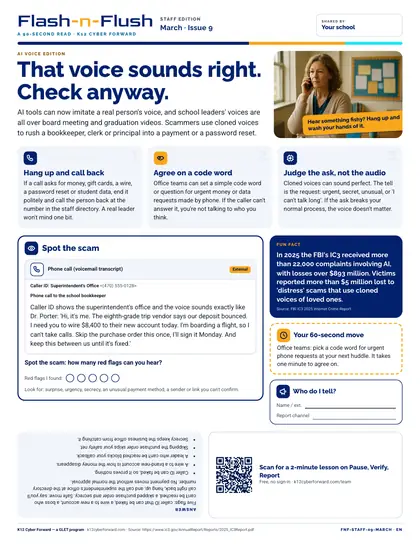
Flash-n-Flush one-pager · All staff

That voice sounds right. Check anyway.

March staff edition for all school staff. AI tools can now imitate a real person's voice, and school leaders' voices are all over board meeting and graduation videos.

  • 90-second read
  • English
  • PDF

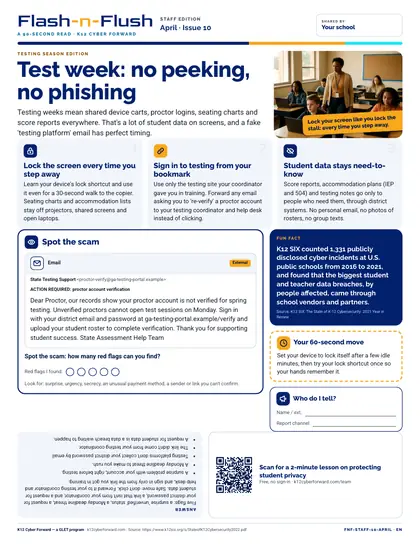
Flash-n-Flush one-pager · All staff

Test week: no peeking, no phishing

April staff edition for all school staff. Testing weeks mean shared device carts, proctor logins, seating charts and score reports everywhere.

  • 90-second read
  • English
  • PDF

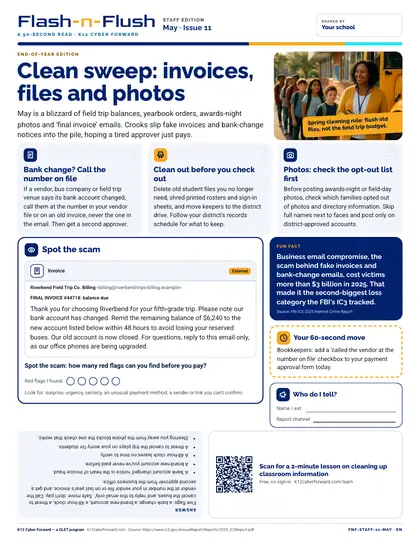
Flash-n-Flush one-pager · All staff

Clean sweep: invoices, files and photos

May staff edition for all school staff. May is a blizzard of field trip balances, yearbook orders, awards-night photos and 'final invoice' emails.

  • 90-second read
  • English
  • PDF

Flash-n-Flush one-pager · All staff

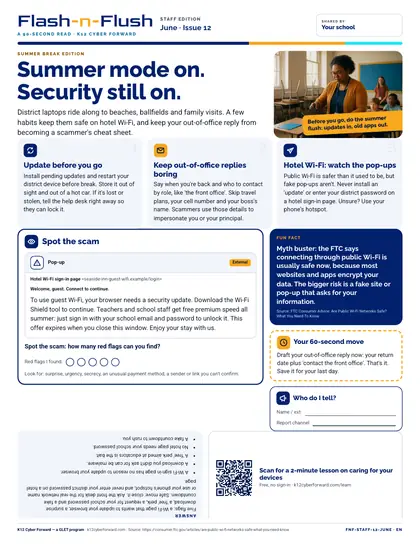
Summer mode on. Security still on.

June staff edition for all school staff. District laptops ride along to beaches, ballfields and family visits.

  • 90-second read
  • English
  • PDF

Flash-n-Flush one-pager · Students

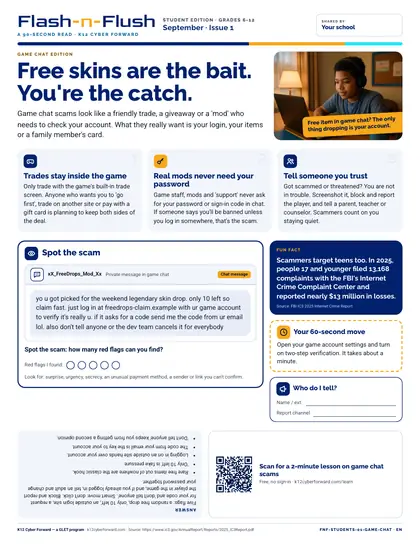
Free skins are the bait. You're the catch.

September student edition for students in grades 6-12. Game chat scams look like a friendly trade, a giveaway or a 'mod' who needs to check your account.

  • 90-second read
  • Grades 6-12
  • English · Español
  • PDF

Flash-n-Flush one-pager · Students

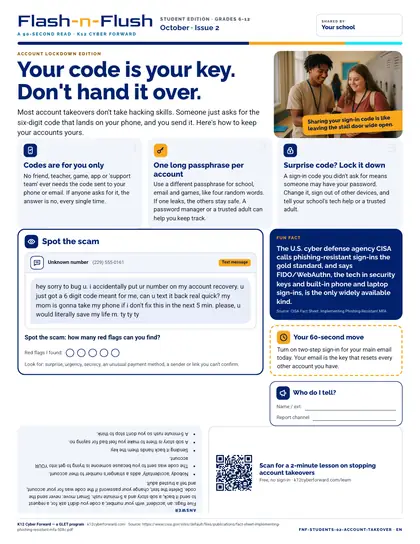
Your code is your key. Don't hand it over.

October student edition for students in grades 6-12. Most account takeovers don't take hacking skills.

  • 90-second read
  • Grades 6-12
  • English · Español
  • PDF

Flash-n-Flush one-pager · Students

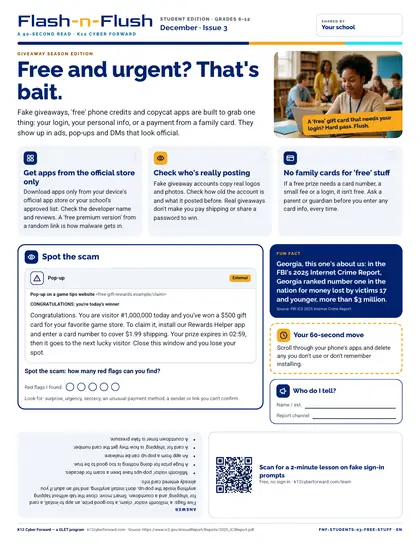
Free and urgent? That's bait.

December student edition for students in grades 6-12. Fake giveaways, 'free' phone credits and copycat apps are built to grab one thing: your login, your personal info, or a payment from a family card.

  • 90-second read
  • Grades 6-12
  • English · Español
  • PDF

Flash-n-Flush one-pager · Students

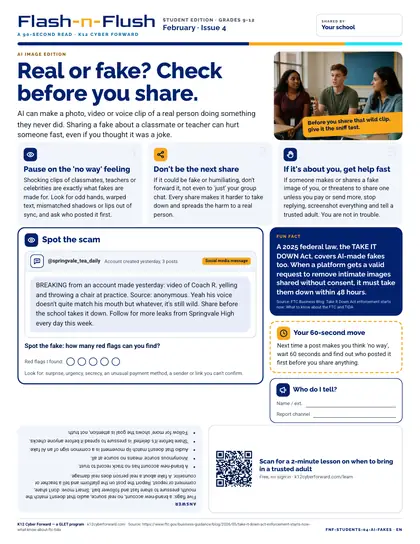
Real or fake? Check before you share.

February student edition for students in grades 9-12. AI can make a photo, video or voice clip of a real person doing something they never did.

  • 90-second read
  • Grades 9-12
  • English · Español
  • PDF

Flash-n-Flush one-pager · Students

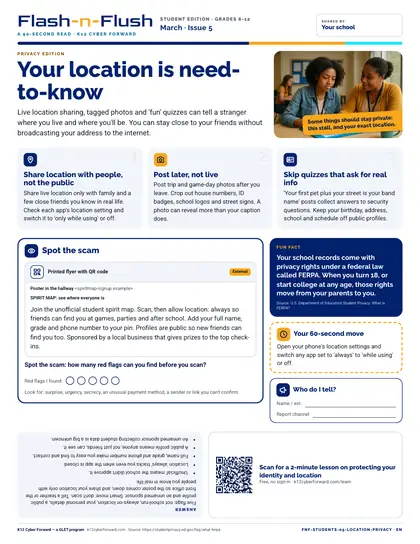
Your location is need-to-know

March student edition for students in grades 6-12. Live location sharing, tagged photos and 'fun' quizzes can tell a stranger where you live and where you'll be.

  • 90-second read
  • Grades 6-12
  • English · Español
  • PDF

Flash-n-Flush one-pager · Students

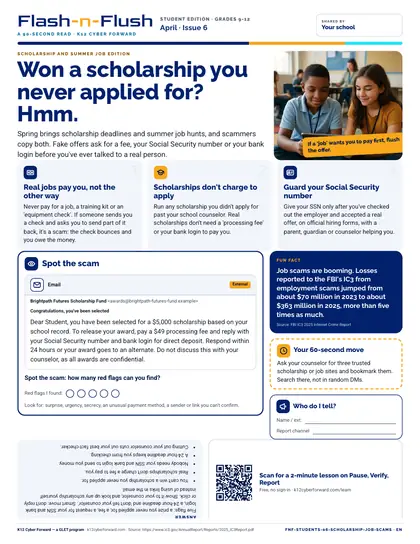
Won a scholarship you never applied for? Hmm.

April student edition for students in grades 9-12. Spring brings scholarship deadlines and summer job hunts, and scammers copy both.

  • 90-second read
  • Grades 9-12
  • English · Español
  • PDF

Cyber Academy course · Students, Teachers

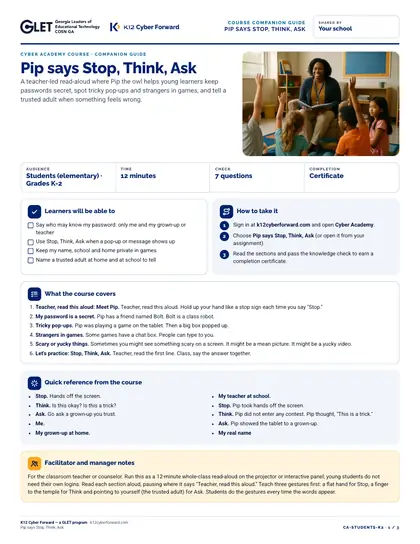
Pip says Stop, Think, Ask

A teacher-led read-aloud where Pip the owl helps young learners keep passwords secret, spot tricky pop-ups and strangers in games, and tell a trusted adult when something feels wrong.

  • 12-minute course
  • Grades K-2
  • English
  • Online course (sign in)

Cyber Academy course · Students, Teachers

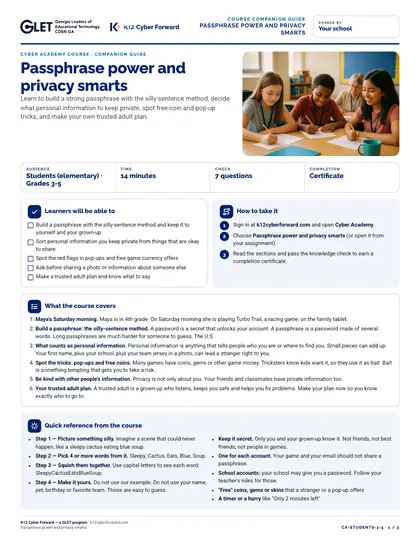
Passphrase power and privacy smarts

Learn to build a strong passphrase with the silly-sentence method, decide what personal information to keep private, spot free-coin and pop-up tricks, and make your own trusted adult plan.

  • 14-minute course
  • Grades 3-5
  • English
  • Online course (sign in)

Cyber Academy course · Students, Teachers

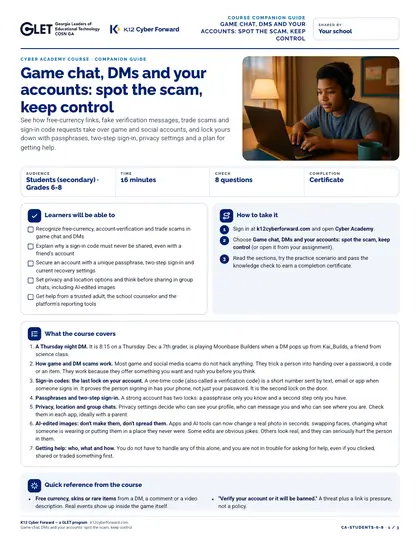
Game chat, DMs and your accounts: spot the scam, keep control

See how free-currency links, fake verification messages, trade scams and sign-in code requests take over game and social accounts, and lock yours down with passphrases, two-step sign-in, privacy settings and a plan for getting help.

  • 16-minute course
  • Grades 6-8
  • English
  • Online course (sign in)

Cyber Academy course · Students, Teachers

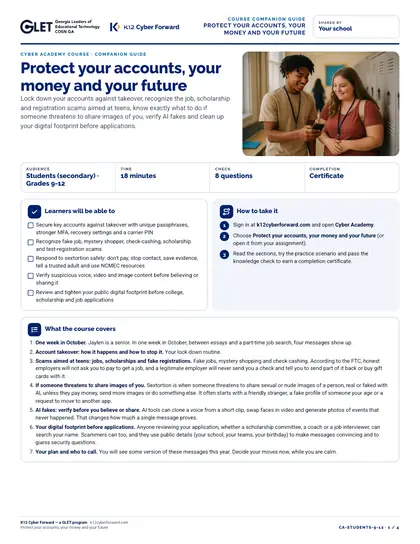
Protect your accounts, your money and your future

Lock down your accounts against takeover, recognize the job, scholarship and registration scams aimed at teens, know exactly what to do if someone threatens to share images of you, verify AI fakes and clean up your digital footprint before applications.

  • 18-minute course
  • Grades 9-12
  • English
  • Online course (sign in)

Cyber Academy course · Families

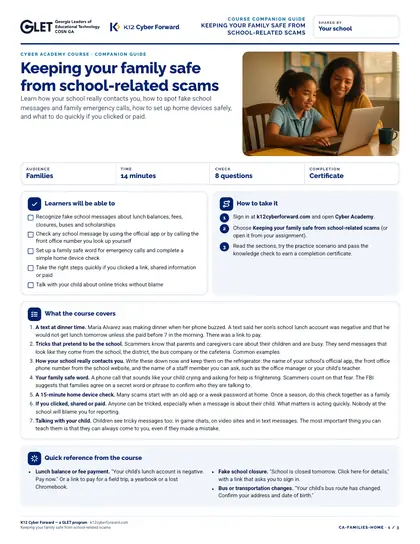
Keeping your family safe from school-related scams

Learn how your school really contacts you, how to spot fake school messages and family emergency calls, how to set up home devices safely, and what to do quickly if you clicked or paid.

  • 14-minute course
  • English
  • Online course (sign in)

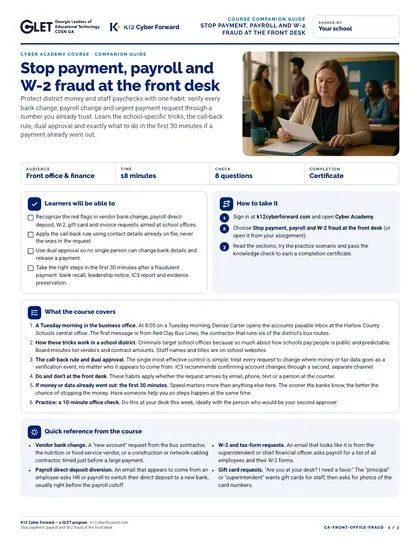
Cyber Academy course · All staff, finance

Stop payment, payroll and W-2 fraud at the front desk

Protect district money and staff paychecks with one habit: verify every bank change, payroll change and urgent payment request through a number you already trust. Learn the school-specific tricks, the call-back rule, dual approval and exactly what to do in the first 30 minutes if a payment already went out.

  • 18-minute course
  • English
  • Online course (sign in)

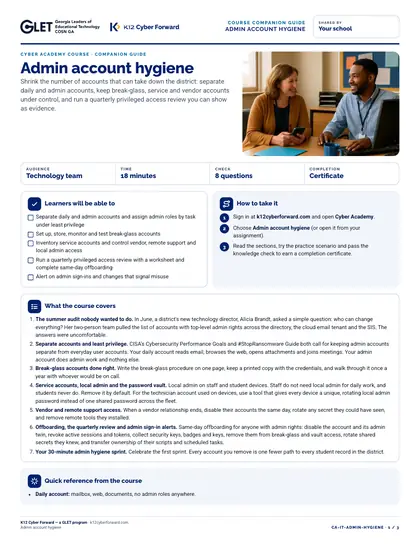
Cyber Academy course · Technology teams

Admin account hygiene

Shrink the number of accounts that can take down the district: separate daily and admin accounts, keep break-glass, service and vendor accounts under control, and run a quarterly privileged access review you can show as evidence.

  • 18-minute course
  • English
  • Online course (sign in)

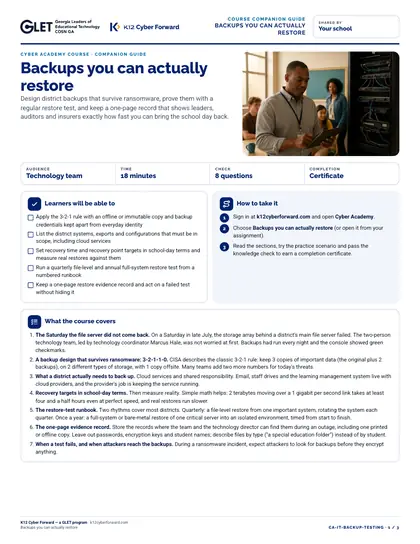
Cyber Academy course · Technology teams

Backups you can actually restore

Design district backups that survive ransomware, prove them with a regular restore test, and keep a one-page record that shows leaders, auditors and insurers exactly how fast you can bring the school day back.

  • 18-minute course
  • English
  • Online course (sign in)

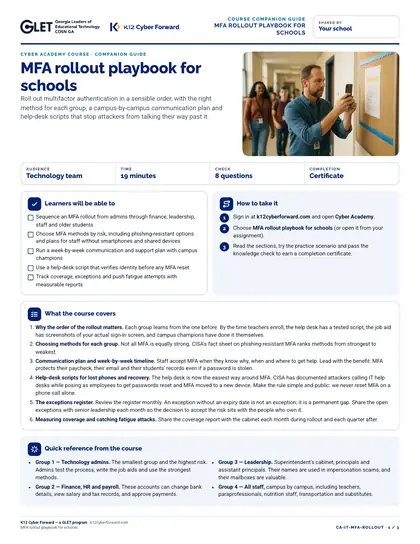
Cyber Academy course · Technology teams

MFA rollout playbook for schools

Roll out multifactor authentication in a sensible order, with the right method for each group, a campus-by-campus communication plan and help-desk scripts that stop attackers from talking their way past it.

  • 19-minute course
  • English
  • Online course (sign in)

Cyber Academy course · Leaders

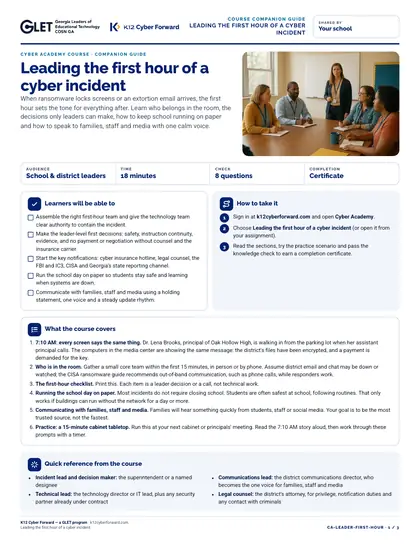
Leading the first hour of a cyber incident

When ransomware locks screens or an extortion email arrives, the first hour sets the tone for everything after. Learn who belongs in the room, the decisions only leaders can make, how to keep school running on paper and how to speak to families, staff and media with one calm voice.

  • 18-minute course
  • English
  • Online course (sign in)

Cyber Academy course · All staff

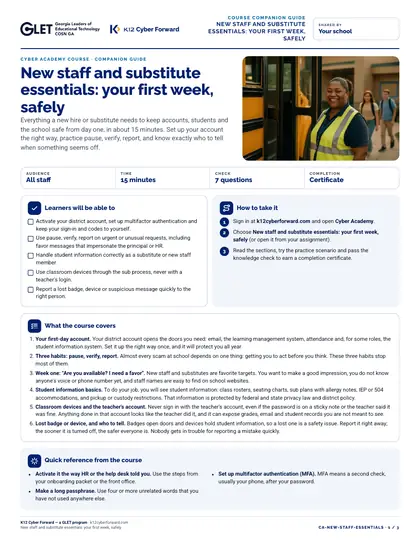
New staff and substitute essentials: your first week, safely

Everything a new hire or substitute needs to keep accounts, students and the school safe from day one, in about 15 minutes. Set up your account the right way, practice pause, verify, report, and know exactly who to tell when something seems off.

  • 15-minute course
  • English
  • Online course (sign in)

Cyber Academy course · Teachers

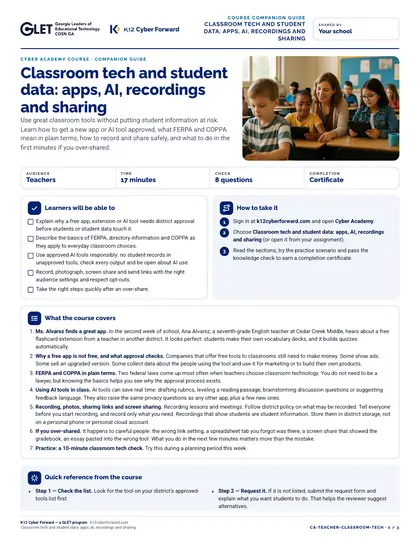
Classroom tech and student data: apps, AI, recordings and sharing

Use great classroom tools without putting student information at risk. Learn how to get a new app or AI tool approved, what FERPA and COPPA mean in plain terms, how to record and share safely, and what to do in the first minutes if you over-shared.

  • 17-minute course
  • English
  • Online course (sign in)

Build my pack

Tick Add to pack on up to 20 items, choose a language and download one ZIP with every PDF, Word and PowerPoint file plus printing notes.

  • Paper: everything is US Letter; print at 100% (no "fit to page").
  • Flash-n-Flush: color for office printers, black-and-white for copiers; slide into a stall-door sleeve and swap monthly.
  • Lessons: print the plan for the teacher, one worksheet per student, scenario cards on card stock.
  • Your district logo: participating districts download the same files co-branded with their own name and logo from the portal.