Flash-n-Flush one-pager

Flash-n-Flush: Think before you scan

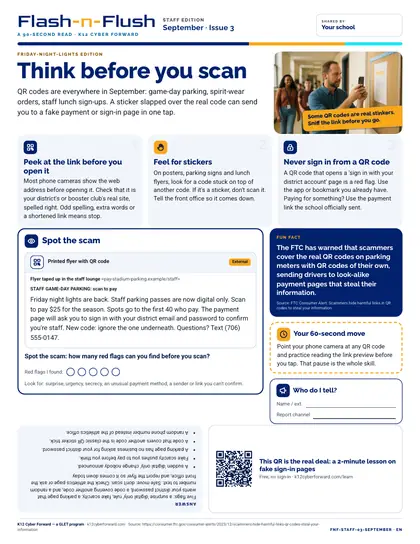
A restroom-stall one-pager for all school staff (fall sports and events). QR codes are everywhere in September: game-day parking, spirit-wear orders, staff lunch sign-ups. Three tips — Peek at the link before you open it; Feel for stickers; Never sign in from a QR code — a spot-the-scam QR flyer with 5 red flags and the answer printed upside down, a sourced fun fact, a 60-second action and a QR code to a free two-minute lesson.

Time to use
90-second read
Audience
All staff
Language
English
Formats
PDF
First page preview of Flash-n-Flush: Think before you scan

What's inside

  • Headline story: Think before you scan
  • Three quick tips: Peek at the link before you open it; Feel for stickers; Never sign in from a QR code
  • Spot-the-scam QR flyer puzzle (5 red flags) with the answer upside down
  • Fun fact: The FTC has warned that scammers cover the real QR codes on parking meters with QR codes of their own, sending drivers to look-alike payment pages that steal their information.
  • 60-second action, who-to-tell plate and QR code to a two-minute lesson
  • Colour and black-and-white editions

Files

Downloadable files
FileFormatLanguageSizeDownload
Colour one-pager, Letter PDF (English)PDFEnglish134 KBDownload Colour one-pager, Letter PDF (English)
Black-and-white one-pager, Letter PDF (English)PDFEnglish127 KBDownload Black-and-white one-pager, Letter PDF (English)

How to use and print

Print on Letter paper at 100% (no 'fit to page'). The colour edition prints well on office colour printers; the B/W edition is toner-friendly for copiers. Laminate or slide into a stall-door sleeve; swap monthly.

Participating districts download the same files co-branded with their own name and logo, and the QR codes count scans for their campaign reports.

Supports these rubric areas

  • Awareness & Training
  • Identity Management, Authentication, and Access Control
  • NIST CSF PR.AT
  • NIST CSF PR.AA

Part of

Cyber Academy course · Technology teams

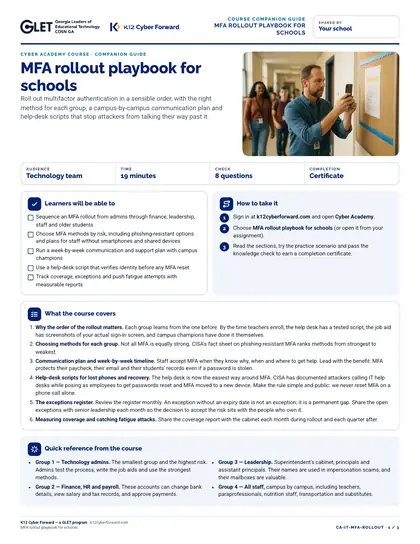
MFA rollout playbook for schools

Roll out multifactor authentication in a sensible order, with the right method for each group, a campus-by-campus communication plan and help-desk scripts that stop attackers from talking their way past it.
  • 19-minute course
  • English
  • Online course (sign in)

Cyber Academy course · Technology teams

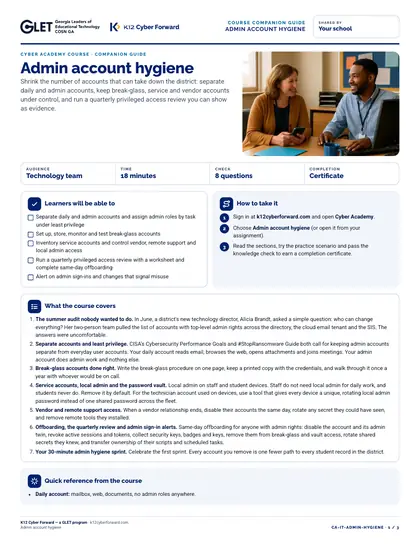
Admin account hygiene

Shrink the number of accounts that can take down the district: separate daily and admin accounts, keep break-glass, service and vendor accounts under control, and run a quarterly privileged access review you can show as evidence.

  • 18-minute course
  • English
  • Online course (sign in)

Flash-n-Flush one-pager · Students

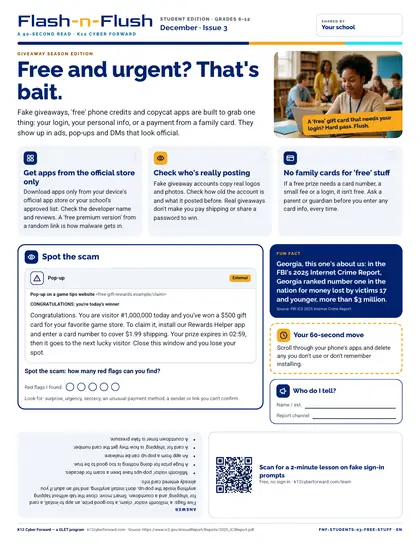
Free and urgent? That's bait.

December student edition for students in grades 6-12. Fake giveaways, 'free' phone credits and copycat apps are built to grab one thing: your login, your personal info, or a payment from a family card.

  • 90-second read
  • Grades 6-12
  • English · Español
  • PDF

Cyber Academy course · All staff

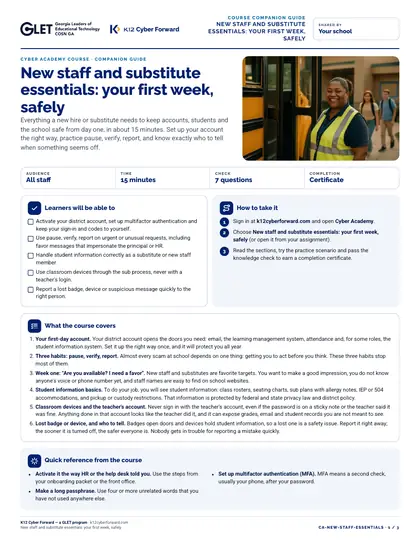
New staff and substitute essentials: your first week, safely

Everything a new hire or substitute needs to keep accounts, students and the school safe from day one, in about 15 minutes. Set up your account the right way, practice pause, verify, report, and know exactly who to tell when something seems off.

  • 15-minute course
  • English
  • Online course (sign in)

Sources