Flash-n-Flush one-pager

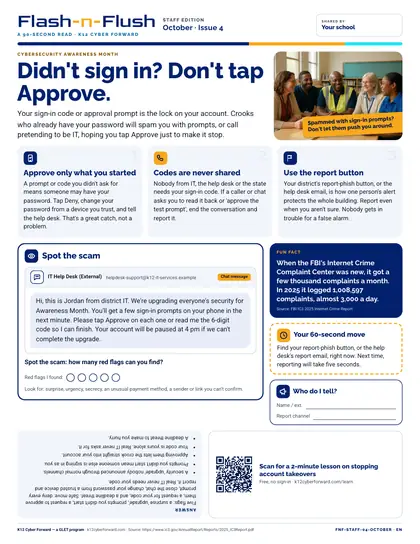
Flash-n-Flush: Didn't sign in? Don't tap Approve.

A restroom-stall one-pager for all school staff (cybersecurity awareness month). Your sign-in code or approval prompt is the lock on your account. Three tips — Approve only what you started; Codes are never shared; Use the report button — a spot-the-scam chat message with 5 red flags and the answer printed upside down, a sourced fun fact, a 60-second action and a QR code to a free two-minute lesson.

Time to use
90-second read
Audience
All staff
Language
English
Formats
PDF
First page preview of Flash-n-Flush: Didn't sign in? Don't tap Approve.

What's inside

  • Headline story: Didn't sign in? Don't tap Approve.
  • Three quick tips: Approve only what you started; Codes are never shared; Use the report button
  • Spot-the-scam chat message puzzle (5 red flags) with the answer upside down
  • Fun fact: When the FBI's Internet Crime Complaint Center was new, it got a few thousand complaints a month. In 2025 it logged 1,008,597 complaints, almost 3,000 a day.
  • 60-second action, who-to-tell plate and QR code to a two-minute lesson
  • Colour and black-and-white editions

Files

Downloadable files
FileFormatLanguageSizeDownload
Colour one-pager, Letter PDF (English)PDFEnglish136 KBDownload Colour one-pager, Letter PDF (English)
Black-and-white one-pager, Letter PDF (English)PDFEnglish128 KBDownload Black-and-white one-pager, Letter PDF (English)

How to use and print

Print on Letter paper at 100% (no 'fit to page'). The colour edition prints well on office colour printers; the B/W edition is toner-friendly for copiers. Laminate or slide into a stall-door sleeve; swap monthly.

Participating districts download the same files co-branded with their own name and logo, and the QR codes count scans for their campaign reports.

Supports these rubric areas

  • Awareness & Training
  • Identity Management, Authentication, and Access Control
  • Incident Response Reporting and Communication
  • NIST CSF PR.AT
  • NIST CSF PR.AA
  • NIST CSF RS.CO

Part of

Cyber Academy course · Students, Teachers

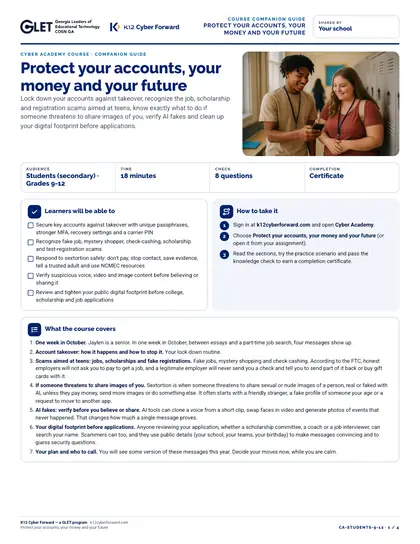
Protect your accounts, your money and your future

Lock down your accounts against takeover, recognize the job, scholarship and registration scams aimed at teens, know exactly what to do if someone threatens to share images of you, verify AI fakes and clean up your digital footprint before applications.
  • 18-minute course
  • Grades 9-12
  • English
  • Online course (sign in)

Flash-n-Flush one-pager · Students

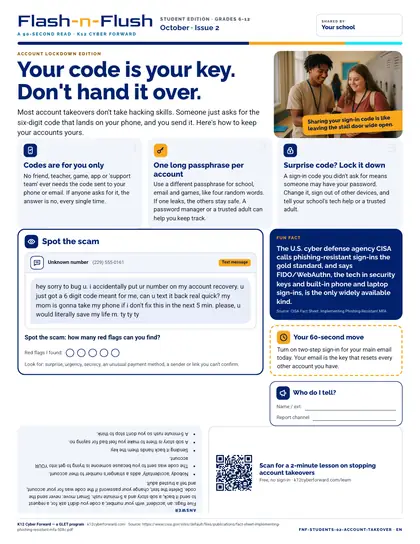
Your code is your key. Don't hand it over.

October student edition for students in grades 6-12. Most account takeovers don't take hacking skills.

  • 90-second read
  • Grades 6-12
  • English · Español
  • PDF

Classroom lesson · Teachers, Students

Account takeover

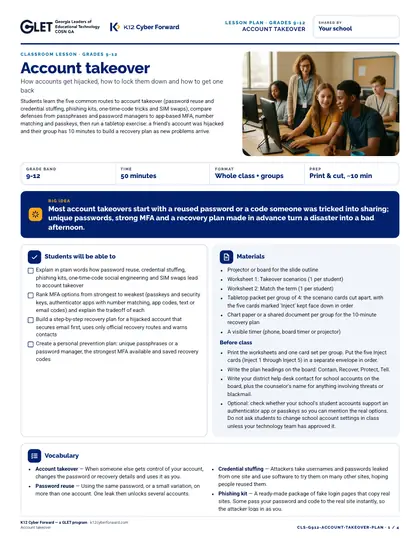
Students learn the five common routes to account takeover (password reuse and credential stuffing, phishing kits, one-time-code tricks and SIM swaps), compare defenses from passphrases and password managers to app-based MFA, number matching and passkeys, then run a tabletop exercise: a friend's account was hijacked and their group has 10 minutes to build a recovery plan as new problems arrive.

  • 50-minute lesson
  • Grades 9-12
  • English · Español
  • DOCX, PDF, PPTX

Flash-n-Flush one-pager · All staff

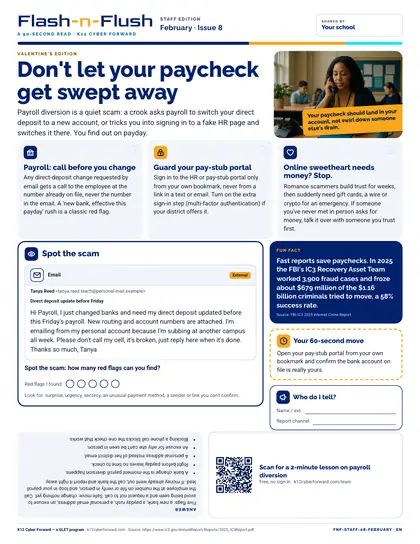
Don't let your paycheck get swept away

February staff edition for all school staff. Payroll diversion is a quiet scam: a crook asks payroll to switch your direct deposit to a new account, or tricks you into signing in to a fake HR page and switches it there.

  • 90-second read
  • English
  • PDF

Sources