Flash-n-Flush one-pager

Flash-n-Flush: Test week: no peeking, no phishing

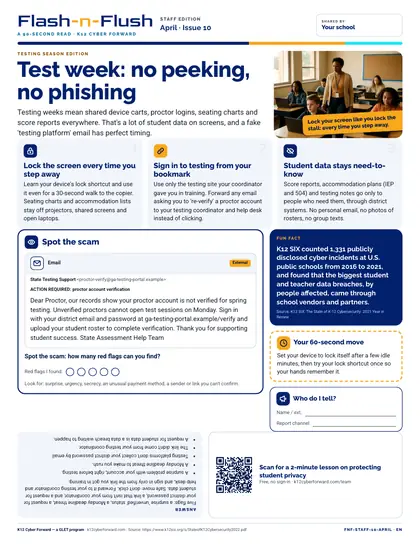
A restroom-stall one-pager for all school staff (testing season). Testing weeks mean shared device carts, proctor logins, seating charts and score reports everywhere. Three tips — Lock the screen every time you step away; Sign in to testing from your bookmark; Student data stays need-to-know — a spot-the-scam email with 5 red flags and the answer printed upside down, a sourced fun fact, a 60-second action and a QR code to a free two-minute lesson.

Time to use
90-second read
Audience
All staff
Language
English
Formats
PDF
First page preview of Flash-n-Flush: Test week: no peeking, no phishing

What's inside

  • Headline story: Test week: no peeking, no phishing
  • Three quick tips: Lock the screen every time you step away; Sign in to testing from your bookmark; Student data stays need-to-know
  • Spot-the-scam email puzzle (5 red flags) with the answer upside down
  • Fun fact: K12 SIX counted 1,331 publicly disclosed cyber incidents at U.S. public schools from 2016 to 2021, and found that the biggest student and teacher data breaches, by people affected, came through school vendors and partners.
  • 60-second action, who-to-tell plate and QR code to a two-minute lesson
  • Colour and black-and-white editions

Files

Downloadable files
FileFormatLanguageSizeDownload
Colour one-pager, Letter PDF (English)PDFEnglish137 KBDownload Colour one-pager, Letter PDF (English)
Black-and-white one-pager, Letter PDF (English)PDFEnglish127 KBDownload Black-and-white one-pager, Letter PDF (English)

How to use and print

Print on Letter paper at 100% (no 'fit to page'). The colour edition prints well on office colour printers; the B/W edition is toner-friendly for copiers. Laminate or slide into a stall-door sleeve; swap monthly.

Participating districts download the same files co-branded with their own name and logo, and the QR codes count scans for their campaign reports.

Supports these rubric areas

  • Awareness & Training
  • Data Security
  • NIST CSF PR.AT
  • NIST CSF PR.DS

Part of

Cyber Academy course · All staff

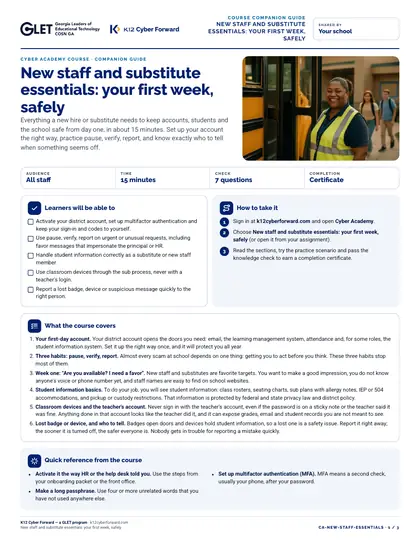
New staff and substitute essentials: your first week, safely

Everything a new hire or substitute needs to keep accounts, students and the school safe from day one, in about 15 minutes. Set up your account the right way, practice pause, verify, report, and know exactly who to tell when something seems off.
  • 15-minute course
  • English
  • Online course (sign in)

Flash-n-Flush one-pager · All staff

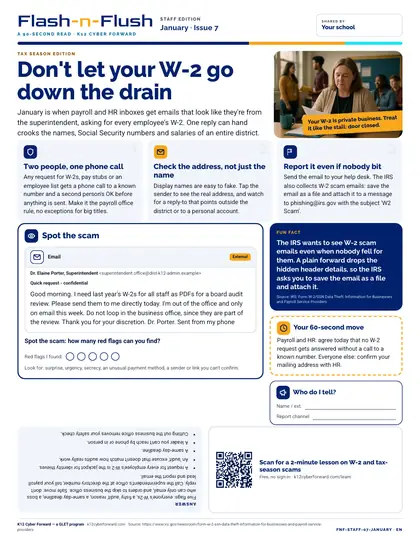
Don't let your W-2 go down the drain

January staff edition for all school staff. January is when payroll and HR inboxes get emails that look like they're from the superintendent, asking for every employee's W-2.

  • 90-second read
  • English
  • PDF

Flash-n-Flush one-pager · All staff

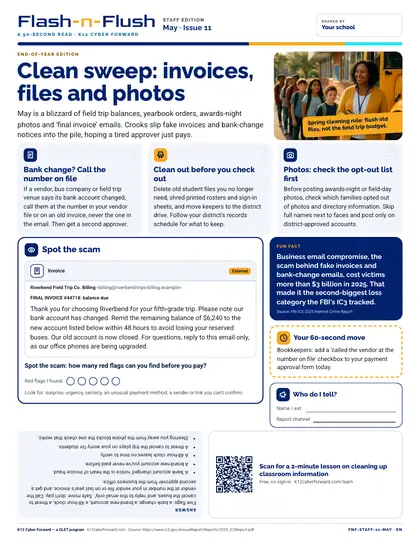
Clean sweep: invoices, files and photos

May staff edition for all school staff. May is a blizzard of field trip balances, yearbook orders, awards-night photos and 'final invoice' emails.

  • 90-second read
  • English
  • PDF

Cyber Academy course · All staff, finance

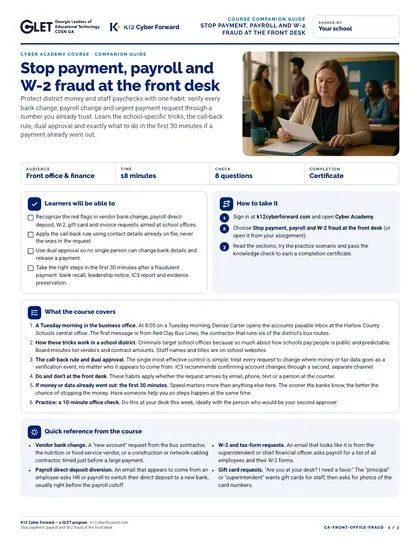
Stop payment, payroll and W-2 fraud at the front desk

Protect district money and staff paychecks with one habit: verify every bank change, payroll change and urgent payment request through a number you already trust. Learn the school-specific tricks, the call-back rule, dual approval and exactly what to do in the first 30 minutes if a payment already went out.

  • 18-minute course
  • English
  • Online course (sign in)

Sources