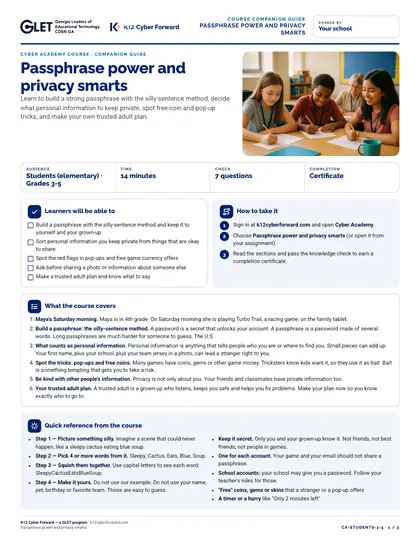
Learn to build a strong passphrase with the silly-sentence method, decide what personal information to keep private, spot free-coin and pop-up tricks, and make your own trusted adult plan.
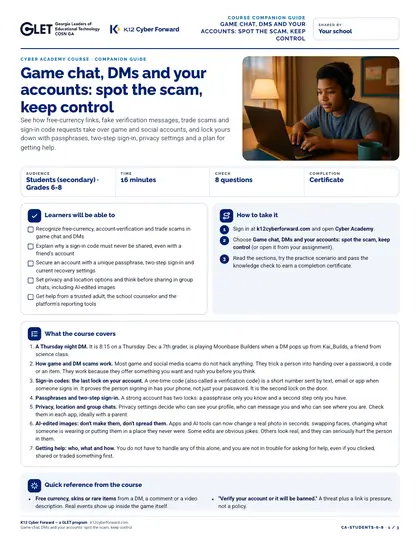
See how free-currency links, fake verification messages, trade scams and sign-in code requests take over game and social accounts, and lock yours down with passphrases, two-step sign-in, privacy settings and a plan for getting help.
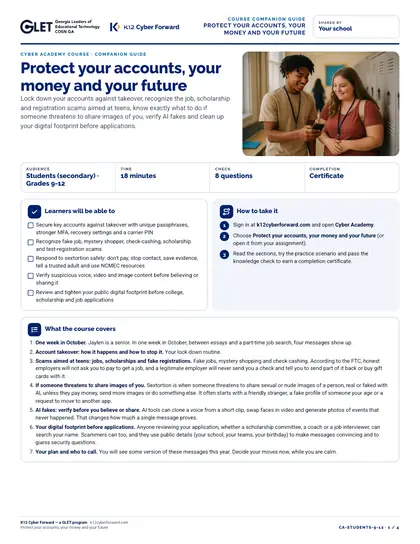
Lock down your accounts against takeover, recognize the job, scholarship and registration scams aimed at teens, know exactly what to do if someone threatens to share images of you, verify AI fakes and clean up your digital footprint before applications.
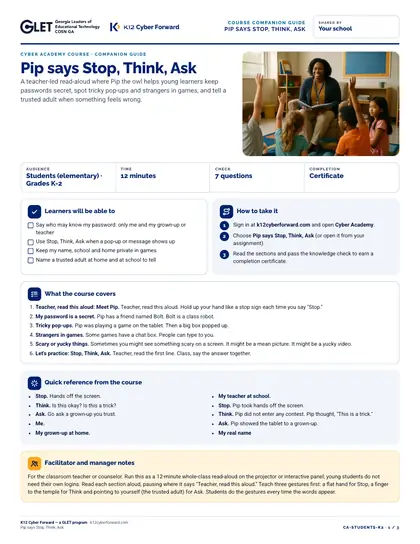
A teacher-led read-aloud where Pip the owl helps young learners keep passwords secret, spot tricky pop-ups and strangers in games, and tell a trusted adult when something feels wrong.
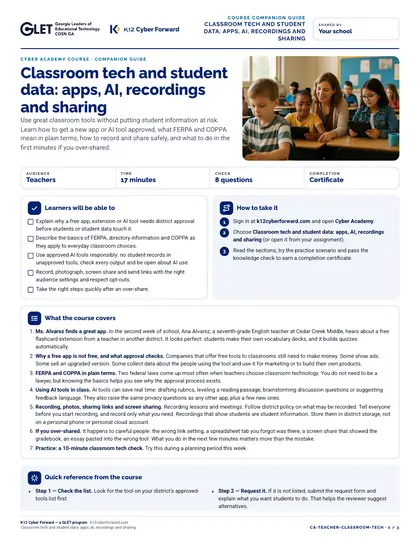
Use great classroom tools without putting student information at risk. Learn how to get a new app or AI tool approved, what FERPA and COPPA mean in plain terms, how to record and share safely, and what to do in the first minutes if you over-shared.
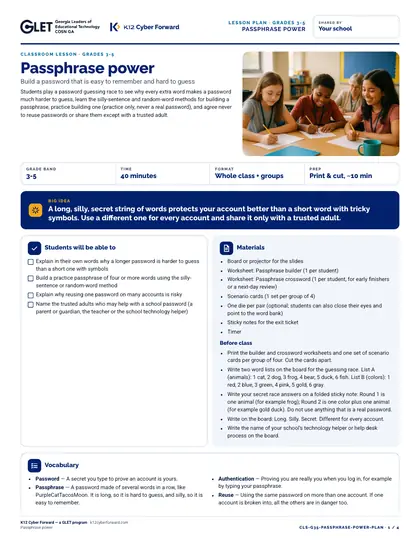
Students play a password guessing race to see why every extra word makes a password much harder to guess, learn the silly-sentence and random-word methods for building a passphrase, practice building one (practice only, never a real password), and agree never to reuse passwords or share them except with a trusted adult.
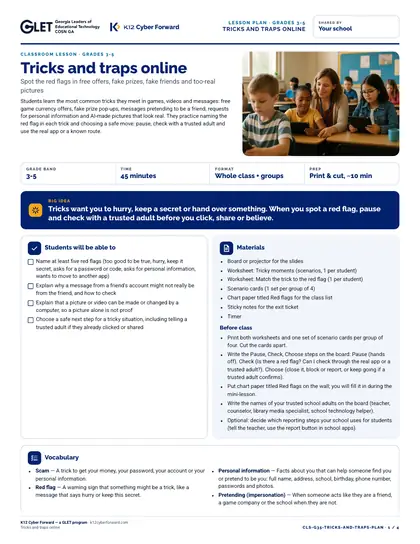
Students learn the most common tricks they meet in games, videos and messages: free game currency offers, fake prize pop-ups, messages pretending to be a friend, requests for personal information and AI-made pictures that look real. They practice naming the red flag in each trick and choosing a safe move: pause, check with a trusted adult and use the real app or a known route.
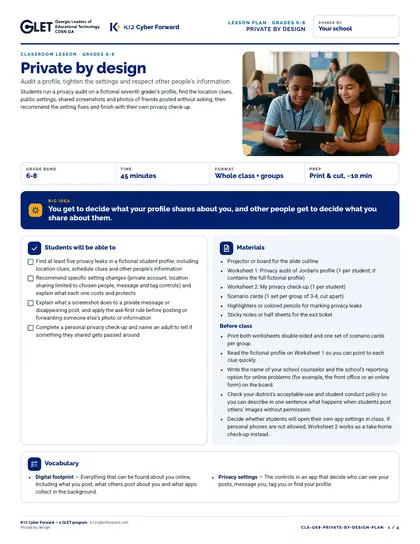
Students run a privacy audit on a fictional seventh grader's profile, find the location clues, public settings, shared screenshots and photos of friends posted without asking, then recommend the setting fixes and finish with their own privacy check-up.
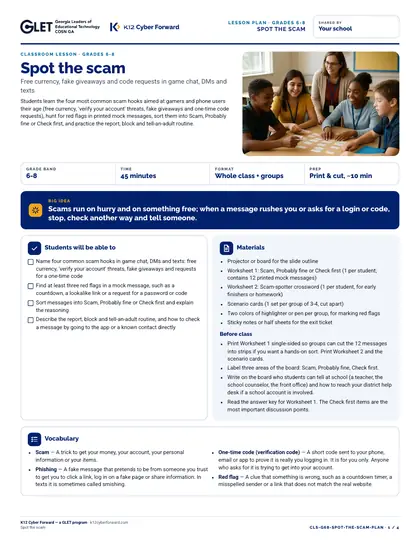
Students learn the four most common scam hooks aimed at gamers and phone users their age (free currency, 'verify your account' threats, fake giveaways and one-time code requests), hunt for red flags in printed mock messages, sort them into Scam, Probably fine or Check first, and practice the report, block and tell-an-adult routine.
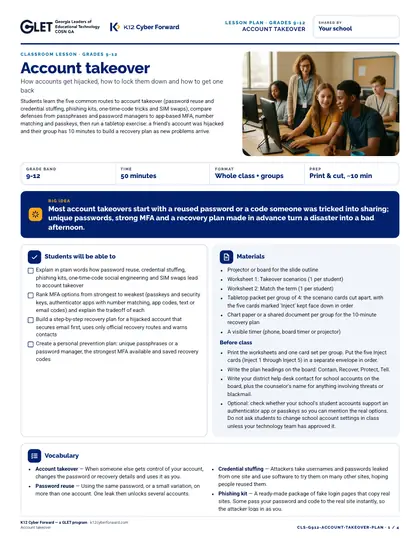
Students learn the five common routes to account takeover (password reuse and credential stuffing, phishing kits, one-time-code tricks and SIM swaps), compare defenses from passphrases and password managers to app-based MFA, number matching and passkeys, then run a tabletop exercise: a friend's account was hijacked and their group has 10 minutes to build a recovery plan as new problems arrive.
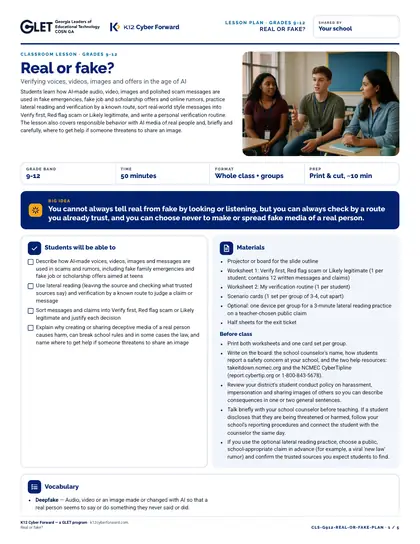
Students learn how AI-made audio, video, images and polished scam messages are used in fake emergencies, fake job and scholarship offers and online rumors, practice lateral reading and verification by a known route, sort real-world style messages into Verify first, Red flag scam or Likely legitimate, and write a personal verification routine. The lesson also covers responsible behavior with AI media of real people and, briefly and carefully, where to get help if someone threatens to share an image.
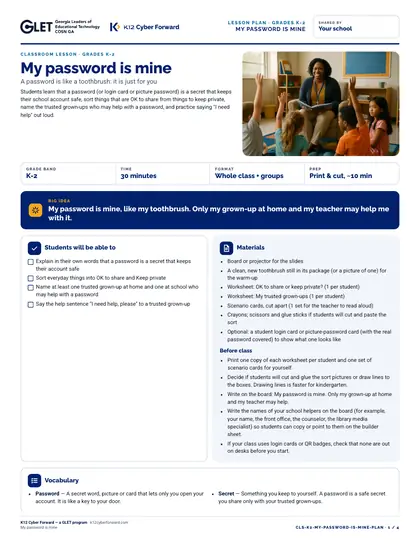
Students learn that a password (or login card or picture password) is a secret that keeps their school account safe, sort things that are OK to share from things to keep private, name the trusted grown-ups who may help with a password, and practice saying "I need help" out loud.
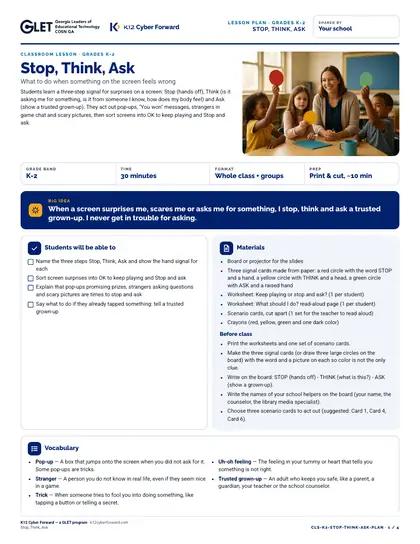
Students learn a three-step signal for surprises on a screen: Stop (hands off), Think (is it asking me for something, is it from someone I know, how does my body feel) and Ask (show a trusted grown-up). They act out pop-ups, "You won" messages, strangers in game chat and scary pictures, then sort screens into OK to keep playing and Stop and ask.