Classroom lesson · Grades 6-8

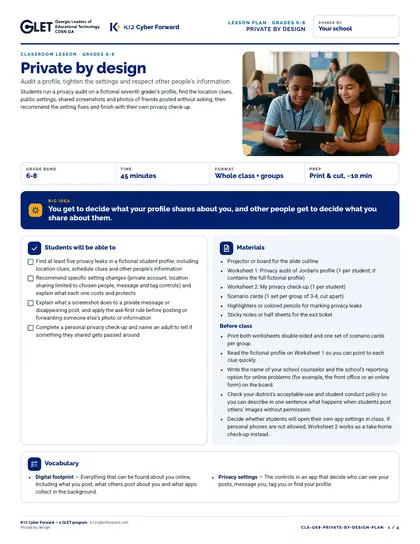
Private by design (grades 6-8)

A ready-to-teach 45-minute lesson for grades 6-8: audit a profile, tighten the settings and respect other people's information. Big idea: You get to decide what your profile shares about you, and other people get to decide what you share about them. Includes a teacher lesson plan with scripts, student worksheets “Privacy audit: Jordan's profile” and “My privacy check-up”, an answer key, 10 scenario cards, a 8-slide outline and a family sheet in English and Spanish.

Time to use
45-minute lesson
Audience
Teachers, Students
Grade band
Grades 6-8
Language
English and Spanish
Formats
DOCX, PDF, PPTX
First page preview of Private by design (grades 6-8)

What's inside

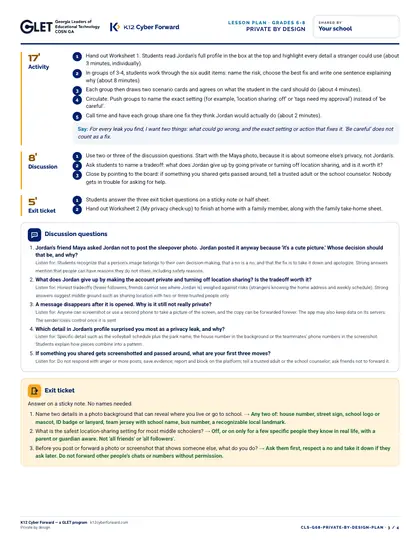
  • Lesson plan: objectives, 5-part sequence with teacher scripts, discussion questions, exit ticket, differentiation (PDF + Word)
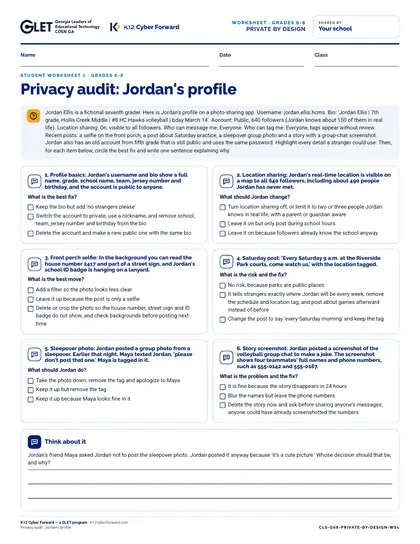
  • Worksheet 1: Privacy audit: Jordan's profile
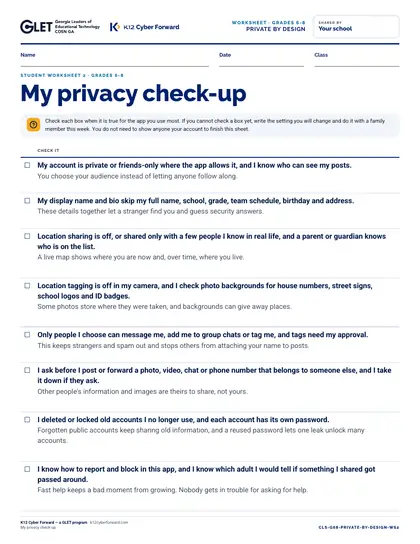
  • Worksheet 2: My privacy check-up
  • Teacher answer key for every worksheet, card and the exit ticket
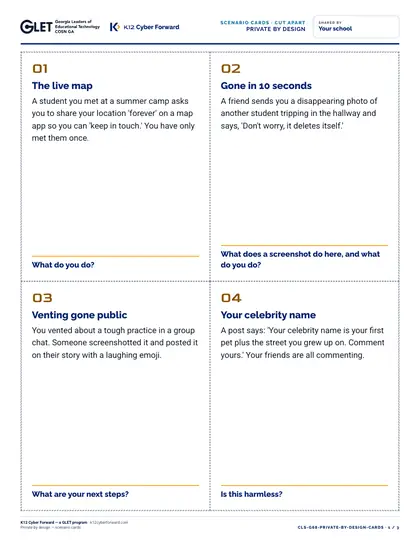
  • 10 cut-apart scenario cards
  • 8-slide outline with speaker notes (PDF + editable PowerPoint)
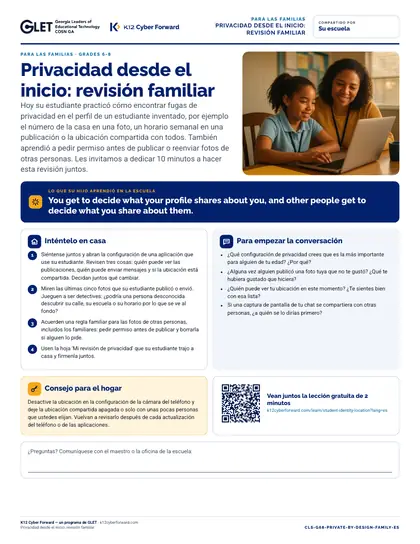
  • Family take-home sheet in English and Spanish (PDF + Word)

Learners will be able to

  • Find at least five privacy leaks in a fictional student profile, including location clues, schedule clues and other people's information
  • Recommend specific setting changes (private account, location sharing limited to chosen people, message and tag controls) and explain what each one costs and protects
  • Explain what a screenshot does to a private message or disappearing post, and apply the ask-first rule before posting or forwarding someone else's photo or information
  • Complete a personal privacy check-up and name an adult to tell if something they shared gets passed around

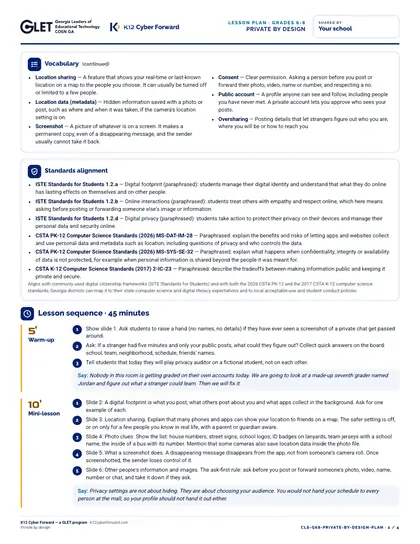
Standards alignment

  • ISTE Standards for Students 1.2.a
  • ISTE Standards for Students 1.2.b
  • ISTE Standards for Students 1.2.d
  • CSTA PK-12 Computer Science Standards (2026) MS-DAT-IM-28
  • CSTA PK-12 Computer Science Standards (2026) MS-SYS-SE-32
  • CSTA K-12 Computer Science Standards (2017) 2-IC-23

More pages

Files

Downloadable files
FileFormatLanguageSizeDownload
Teacher lesson plan (PDF)PDFEnglish206 KBDownload Teacher lesson plan (PDF)
Teacher lesson plan (editable Word)DOCXEnglish66 KBDownload Teacher lesson plan (editable Word)
Student worksheet 1: Privacy audit: Jordan's profile (PDF)PDFEnglish82 KBDownload Student worksheet 1: Privacy audit: Jordan's profile (PDF)
Student worksheet 2: My privacy check-up (PDF)PDFEnglish62 KBDownload Student worksheet 2: My privacy check-up (PDF)
Teacher answer key (PDF)PDFEnglish97 KBDownload Teacher answer key (PDF)
10 cut-apart scenario cards (PDF)PDFEnglish142 KBDownload 10 cut-apart scenario cards (PDF)
Slide outline with speaker notes (PDF)PDFEnglish90 KBDownload Slide outline with speaker notes (PDF)
Slides, 10 editable PowerPoint slidesPPTXEnglish78 KBDownload Slides, 10 editable PowerPoint slides
Family take-home sheet (English, PDF)PDFEnglish117 KBDownload Family take-home sheet (English, PDF)
Family take-home sheet (English, editable Word)DOCXEnglish61 KBDownload Family take-home sheet (English, editable Word)
Family take-home sheet (Español, PDF)PDFEspañol119 KBDownload Family take-home sheet (Español, PDF)
Family take-home sheet (Español, editable Word)DOCXEspañol61 KBDownload Family take-home sheet (Español, editable Word)

How to use and print

Print the lesson plan single-sided for the teacher. Print worksheets one per student (B/W is fine). Print scenario cards on card stock and cut along the dashed lines (4 per page). Family sheets go home in English or Spanish.

Participating districts download the same files co-branded with their own name and logo, and the QR codes count scans for their campaign reports.

Supports these rubric areas

  • Awareness & Training
  • Data Security
  • NIST CSF PR.AT
  • NIST CSF PR.DS

Part of

Cyber Academy course · Students, Teachers

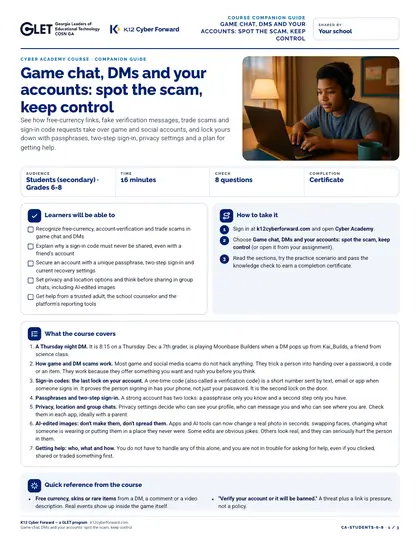
Game chat, DMs and your accounts: spot the scam, keep control

See how free-currency links, fake verification messages, trade scams and sign-in code requests take over game and social accounts, and lock yours down with passphrases, two-step sign-in, privacy settings and a plan for getting help.
  • 16-minute course
  • Grades 6-8
  • English
  • Online course (sign in)

Classroom lesson · Teachers, Students

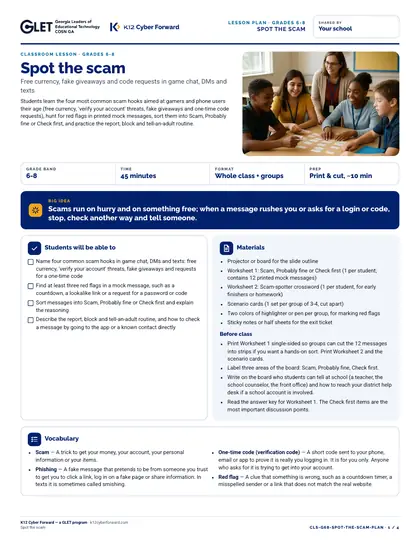
Spot the scam

Students learn the four most common scam hooks aimed at gamers and phone users their age (free currency, 'verify your account' threats, fake giveaways and one-time code requests), hunt for red flags in printed mock messages, sort them into Scam, Probably fine or Check first, and practice the report, block and tell-an-adult routine.

  • 45-minute lesson
  • Grades 6-8
  • English · Español
  • DOCX, PDF, PPTX

Flash-n-Flush one-pager · Students

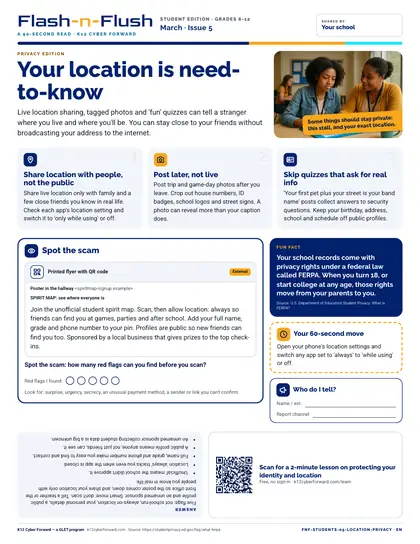
Your location is need-to-know

March student edition for students in grades 6-12. Live location sharing, tagged photos and 'fun' quizzes can tell a stranger where you live and where you'll be.

  • 90-second read
  • Grades 6-12
  • English · Español
  • PDF

Cyber Academy course · Students, Teachers

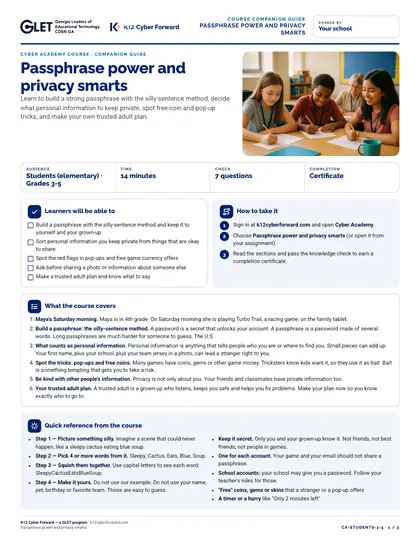
Passphrase power and privacy smarts

Learn to build a strong passphrase with the silly-sentence method, decide what personal information to keep private, spot free-coin and pop-up tricks, and make your own trusted adult plan.

  • 14-minute course
  • Grades 3-5
  • English
  • Online course (sign in)

Sources