Flash-n-Flush one-pager · All staff
That voice sounds right. Check anyway.
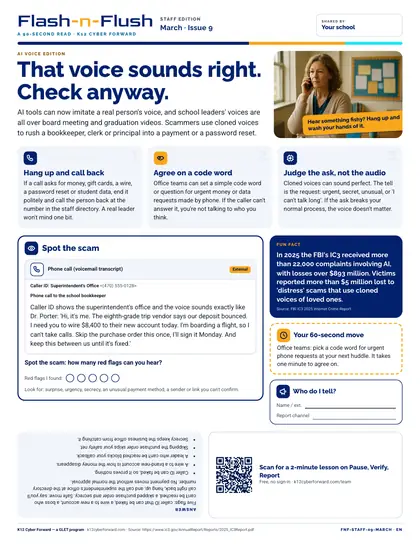
March staff edition for all school staff. AI tools can now imitate a real person's voice, and school leaders' voices are all over board meeting and graduation videos.


Cyber Academy course
A 15-minute Cyber Academy course for all staff. Everything a new hire or substitute needs to keep accounts, students and the school safe from day one, in about 15 minutes. Set up your account the right way, practice pause, verify, report, and know exactly who to tell when something seems off. 6 sections, 7-question knowledge check, a branching practice scenario and a completion certificate. The companion guide gives managers the outline, a huddle plan and the answer key.
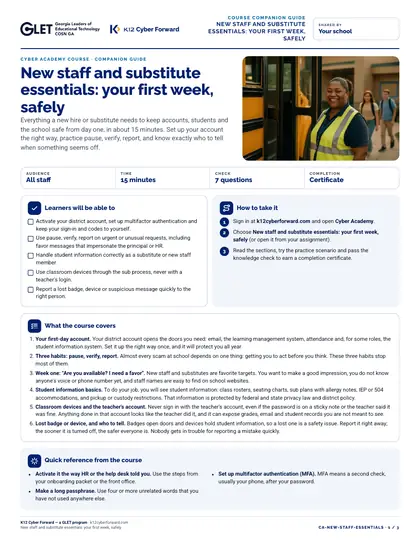
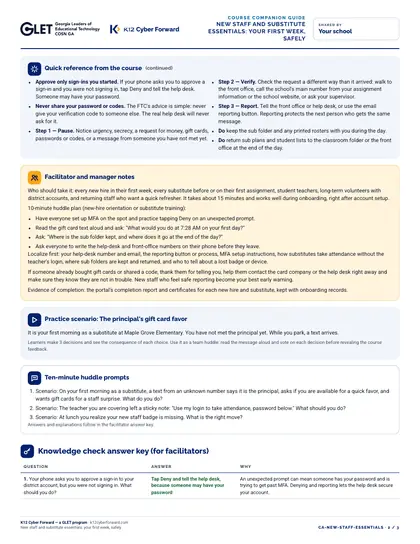
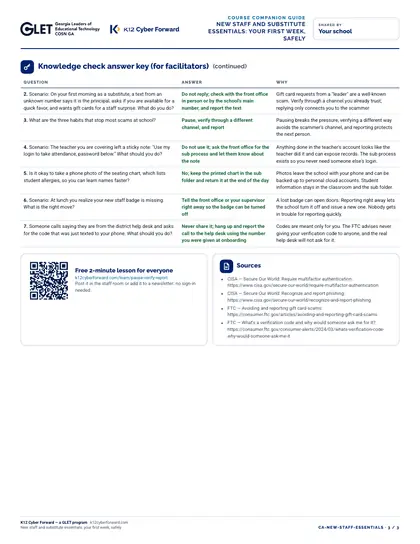
The course runs in Cyber Academy; this companion guide prints double-sided on Letter for managers and facilitators.
Participating districts download the same files co-branded with their own name and logo, and the QR codes count scans for their campaign reports.
Flash-n-Flush one-pager · All staff
March staff edition for all school staff. AI tools can now imitate a real person's voice, and school leaders' voices are all over board meeting and graduation videos.
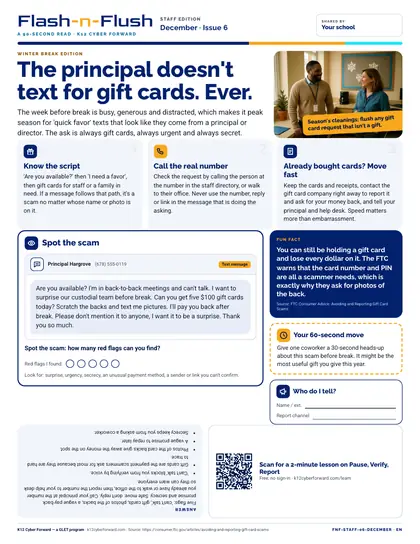
Flash-n-Flush one-pager · All staff
December staff edition for all school staff. The week before break is busy, generous and distracted, which makes it peak season for 'quick favor' texts that look like they come from a principal or director.
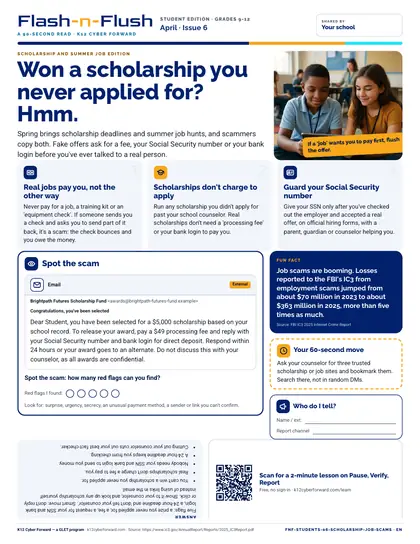
Flash-n-Flush one-pager · Students
April student edition for students in grades 9-12. Spring brings scholarship deadlines and summer job hunts, and scammers copy both.
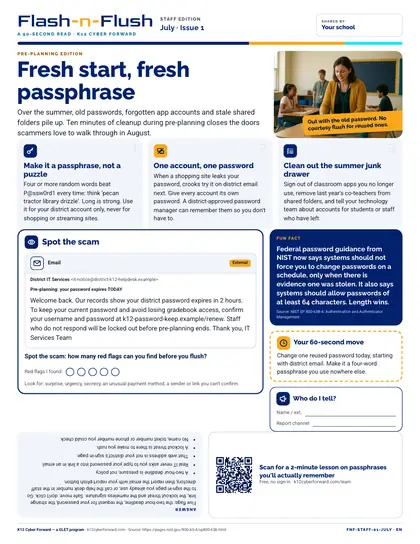
Flash-n-Flush one-pager · All staff
July staff edition for all school staff. Over the summer, old passwords, forgotten app accounts and stale shared folders pile up.