Flash-n-Flush one-pager

Flash-n-Flush: Fresh start, fresh passphrase

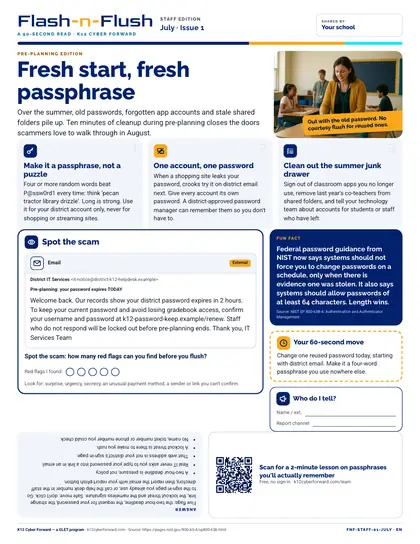
A restroom-stall one-pager for all school staff (pre-planning). Over the summer, old passwords, forgotten app accounts and stale shared folders pile up. Three tips — Make it a passphrase, not a puzzle; One account, one password; Clean out the summer junk drawer — a spot-the-scam email with 5 red flags and the answer printed upside down, a sourced fun fact, a 60-second action and a QR code to a free two-minute lesson.

Time to use
90-second read
Audience
All staff
Language
English
Formats
PDF
First page preview of Flash-n-Flush: Fresh start, fresh passphrase

What's inside

  • Headline story: Fresh start, fresh passphrase
  • Three quick tips: Make it a passphrase, not a puzzle; One account, one password; Clean out the summer junk drawer
  • Spot-the-scam email puzzle (5 red flags) with the answer upside down
  • Fun fact: Federal password guidance from NIST now says systems should not force you to change passwords on a schedule, only when there is evidence one was stolen. It also says systems should allow passwords of at least 64 characters. Length wins.
  • 60-second action, who-to-tell plate and QR code to a two-minute lesson
  • Colour and black-and-white editions

Files

Downloadable files
FileFormatLanguageSizeDownload
Colour one-pager, Letter PDF (English)PDFEnglish130 KBDownload Colour one-pager, Letter PDF (English)
Black-and-white one-pager, Letter PDF (English)PDFEnglish124 KBDownload Black-and-white one-pager, Letter PDF (English)

How to use and print

Print on Letter paper at 100% (no 'fit to page'). The colour edition prints well on office colour printers; the B/W edition is toner-friendly for copiers. Laminate or slide into a stall-door sleeve; swap monthly.

Participating districts download the same files co-branded with their own name and logo, and the QR codes count scans for their campaign reports.

Supports these rubric areas

  • Awareness & Training
  • Identity Management, Authentication, and Access Control
  • NIST CSF PR.AT
  • NIST CSF PR.AA

Part of

Cyber Academy course · Students, Teachers

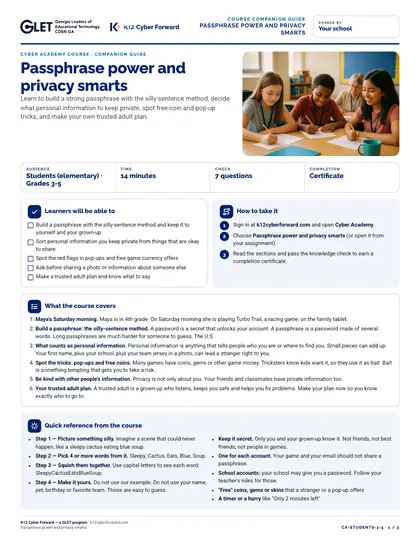
Passphrase power and privacy smarts

Learn to build a strong passphrase with the silly-sentence method, decide what personal information to keep private, spot free-coin and pop-up tricks, and make your own trusted adult plan.
  • 14-minute course
  • Grades 3-5
  • English
  • Online course (sign in)

Classroom lesson · Teachers, Students

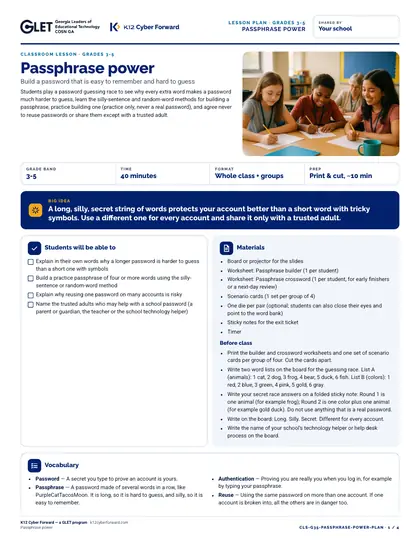
Passphrase power

Students play a password guessing race to see why every extra word makes a password much harder to guess, learn the silly-sentence and random-word methods for building a passphrase, practice building one (practice only, never a real password), and agree never to reuse passwords or share them except with a trusted adult.

  • 40-minute lesson
  • Grades 3-5
  • English · Español
  • DOCX, PDF, PPTX

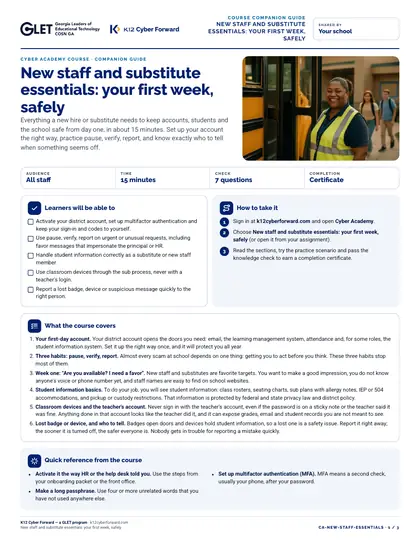
Cyber Academy course · All staff

New staff and substitute essentials: your first week, safely

Everything a new hire or substitute needs to keep accounts, students and the school safe from day one, in about 15 minutes. Set up your account the right way, practice pause, verify, report, and know exactly who to tell when something seems off.

  • 15-minute course
  • English
  • Online course (sign in)

Flash-n-Flush one-pager · All staff

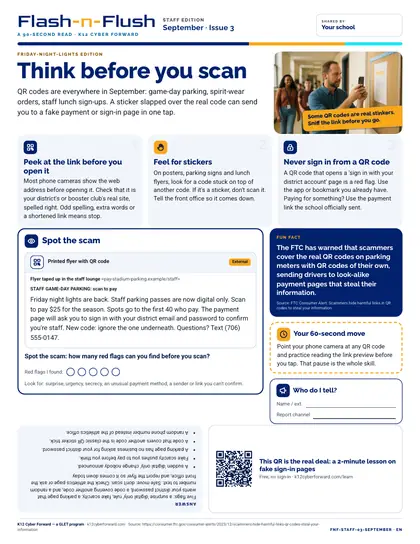
Think before you scan

September staff edition for all school staff. QR codes are everywhere in September: game-day parking, spirit-wear orders, staff lunch sign-ups.

  • 90-second read
  • English
  • PDF

Sources